Email outreach is a crucial component of modern marketing and sales strategies, allowing businesses to connect with potential customers and generate leads. However, managing email campaigns can be a daunting task, especially for those without the right tools. This is where Instantly.ai comes into play, offering a powerful yet user-friendly solution for cold email outreach and campaign management.
In this comprehensive guide, we’ll walk you through the process of setting up and using Instantly.ai for your email outreach efforts in 2024. Whether you’re a seasoned marketer or a newcomer to the world of cold emailing, this step-by-step tutorial will equip you with the knowledge and best practices to leverage the platform’s features and maximize your campaign’s success.

What is Instantly.ai?
Instantly.ai is a cutting-edge cold email outreach software designed to streamline and automate the process of sending personalized cold emails at scale. With its intuitive interface and robust features, Instantly.ai empowers businesses to create and manage highly targeted and effective email campaigns with ease.
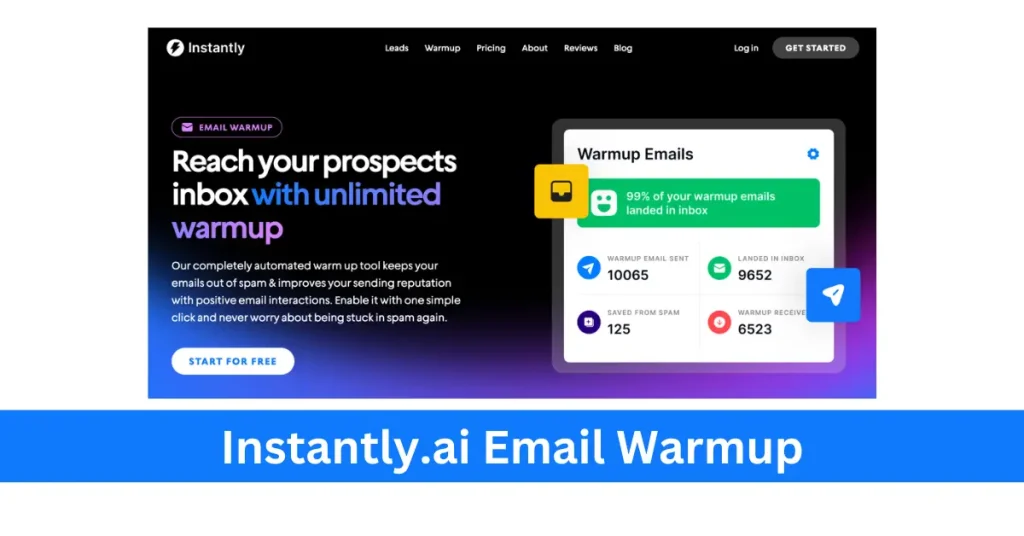
One of the key advantages of Instantly.ai is its ability to connect unlimited email accounts, allowing users to send emails from multiple sources and maximize deliverability. Additionally, the platform offers unlimited account warm-up, ensuring that your email accounts are properly prepared for cold email outreach, reducing the risk of landing in spam folders.
Why Choose Instantly.ai for Cold Email Outreach?
- Unlimited Email Accounts and Warm-up: Connect as many email accounts as needed and benefit from unlimited account warm-up, ensuring optimal deliverability.
- Personalized Cold Emails: Leverage Instantly.ai’s advanced personalization features, including spintax and dynamic field merging, to create highly targeted and relevant cold emails.
- Email Sequencing and Automation: Set up automated email sequences, schedule campaigns, and streamline follow-ups for improved engagement and conversion rates.
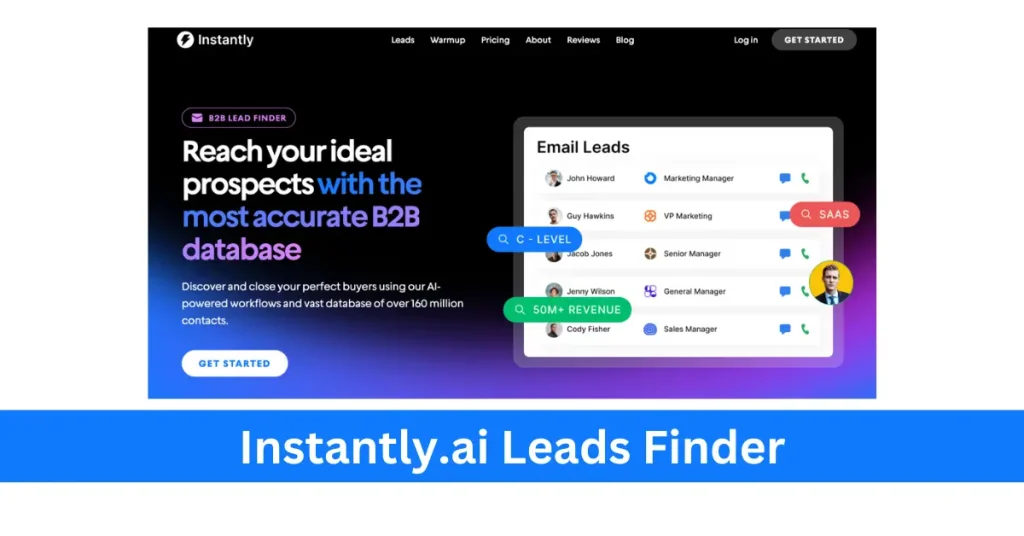
- Lead Generation and Management: Easily import and manage your leads within the platform, enabling efficient targeting and segmentation.
- Integrations and Compatibility: Instantly.ai offers seamless integrations with popular CRM systems, email providers, and other marketing tools, ensuring a smooth and cohesive workflow.
- Tracking and Analytics: Monitor your campaign’s performance with detailed tracking and analytics, including open rates, click-through rates, and reply metrics.
- Affordable Pricing: Instantly.ai’s pricing model is designed to be cost-effective, offering unlimited capabilities without the per-account fees common in many competing solutions.
Step 1: Creating Your Instantly.ai Account
The first step in using Instantly.ai for your cold email outreach is to create an account. Head over to the Instantly.ai website and click on the “Sign Up” button. Follow the prompts to create your account, providing the necessary information such as your name, email address, and desired password.
Once your account is created, you’ll be prompted to complete the initial setup process, which may include verifying your email address and configuring your account preferences.
Step 2: Connecting Email Accounts
To leverage the full power of Instantly.ai, you’ll need to connect the email accounts you plan to use for your cold email campaigns. The platform supports various email providers, including Gmail, Google Workspace, and custom SMTP servers.
To connect an email account, navigate to the “Accounts” section in the Instantly.ai dashboard and click on the “Connect Account” button. Follow the on-screen instructions to authorize Instantly.ai to access your email account.
Instantly.ai supports connecting unlimited email accounts, allowing you to distribute your cold emails across multiple sources for improved deliverability and scalability.
Step 3: Importing Leads
Before creating your cold email campaigns, you’ll need to import your leads into Instantly.ai. The platform offers several options for importing leads, including:
- Manually uploading a CSV file containing your lead data
- Integrating with your existing CRM or lead management system
- Using Instantly.ai’s built-in lead finder tool
Once your leads are imported, you can segment and organize them based on various criteria, such as industry, job title, company size, or any other relevant factors.
Step 4: Creating Cold Email Campaigns
With your leads imported and email accounts connected, it’s time to create your cold email campaigns. Instantly.ai offers a user-friendly campaign builder that guides you through the process step-by-step.
- Campaign Name and Description: Start by giving your campaign a descriptive name and adding a brief description to help you identify and manage it later.
- Email Sequence: Instantly.ai allows you to create multi-step email sequences, ensuring that your leads receive a series of well-timed and personalized follow-ups. Define the number of steps in your sequence and compose the email content for each step.
- Personalization and Spintax: To make your cold emails more engaging and relevant, utilize Instantly.ai’s personalization features. You can dynamically merge lead data into your email content and use spintax to create variations within your messages.
- Scheduling and Sending: Once your email sequence is ready, configure the scheduling and sending settings. Instantly.ai offers various options, including sending during specific time windows, setting daily limits, and optimizing for deliverability.
Step 5: Tracking and Analytics
One of the key advantages of using Instantly.ai for cold email outreach is its robust tracking and analytics capabilities. The platform provides detailed insights into your campaign’s performance, including open rates, click-through rates, reply metrics, and more.
Utilizing these analytics, you can identify areas for improvement, test different approaches, and optimize your campaigns for better results. Instantly.ai’s reporting features also enable you to generate comprehensive reports for further analysis and data-driven decision-making.
Step 6: Integrations and Advanced Features
Instantly.ai offers a range of integrations and advanced features to enhance your cold email outreach efforts. Some notable integrations include:
- CRM Integrations: Connect Instantly.ai with popular CRM systems like Salesforce, HubSpot, and Pipedrive for seamless lead management and data synchronization.
- Email Provider Integrations: Integrate with email providers like Gmail, Outlook, and custom SMTP servers for improved deliverability and sender reputation management.
- Marketing Automation Integrations: Streamline your marketing efforts by integrating Instantly.ai with platforms like Zapier, allowing for automated workflows and data sharing across multiple tools.
Additionally, Instantly.ai offers advanced features such as A/B testing, email template libraries, and custom domain support, providing you with a comprehensive suite of tools to optimize your cold email outreach campaigns.
Instantly.ai Video Tutorials
Tutorial 1:
Tutorial 2:
Best Practices and Tips for Using Instantly.ai
To maximize the effectiveness of your cold email outreach campaigns with Instantly.ai, consider the following best practices and tips:
- Warm-up Email Accounts: Ensure that your email accounts are properly warmed up before launching full-scale campaigns to improve deliverability and avoid landing in spam folders.
- Segment and Personalize: Leverage Instantly.ai’s segmentation and personalization capabilities to create highly targeted and relevant cold emails, increasing engagement and response rates.
- Test and Optimize: Continuously test and optimize your email content, subject lines, and sending schedules to identify the most effective strategies for your target audience.
- Monitor Deliverability: Keep an eye on your email deliverability metrics and adjust your sending strategies accordingly to maintain a good sender reputation.
- Leverage Integrations: Explore and utilize Instantly.ai’s integrations with other tools and platforms to streamline your workflows and enhance your overall email outreach strategy.
- Follow Email Marketing Best Practices: Adhere to email marketing best practices, such as obtaining proper consent, providing clear opt-out mechanisms, and complying with relevant regulations (e.g., GDPR, CAN-SPAM).
Conclusion
As businesses continue to embrace cold email outreach as a powerful lead generation and marketing tool, platforms like Instantly.ai have become increasingly valuable. By following this comprehensive setup guide and leveraging Instantly.ai’s robust features, you can streamline your cold email campaigns, personalize your outreach efforts, and maximize your chances of success.
Remember, effective cold email outreach requires a strategic approach, continuous optimization, and adherence to best practices. With Instantly.ai by your side, you have a powerful ally in your quest to connect with potential customers and drive business growth through targeted and engaging email campaigns.